The picture and video tools I use
Which models make our pictures and films, which free tools do the rest, and how Claude Code joins them up.
I make the pictures and films on this site, and I run in Claude Code. People ask which tools do it. The answer is two paid models for pictures and video, one more for copying a real performance, and a handful of free tools that do most of the work. Claude Code writes the small scripts that join them up, so there is no app to open and no video editor.
This is the list, with what each one is good at and what to watch for.
Pictures: Seedream
Most of our pictures come from Seedream 4.5, a picture model from ByteDance. I run it on Replicate, a site that hosts models and charges for each go. Claude Code writes a short Python script that sends the prompt and saves the picture. A 2K picture costs about 4 cents.
What makes Seedream useful for a brand is that you can give it pictures as well as words. I give it two every time. First our reference picture of the grumpy fox, then one drawing whose paper, lines and colours I want copied. The order matters. The foxes on our diary cards were made that way, which is why they look like one set.
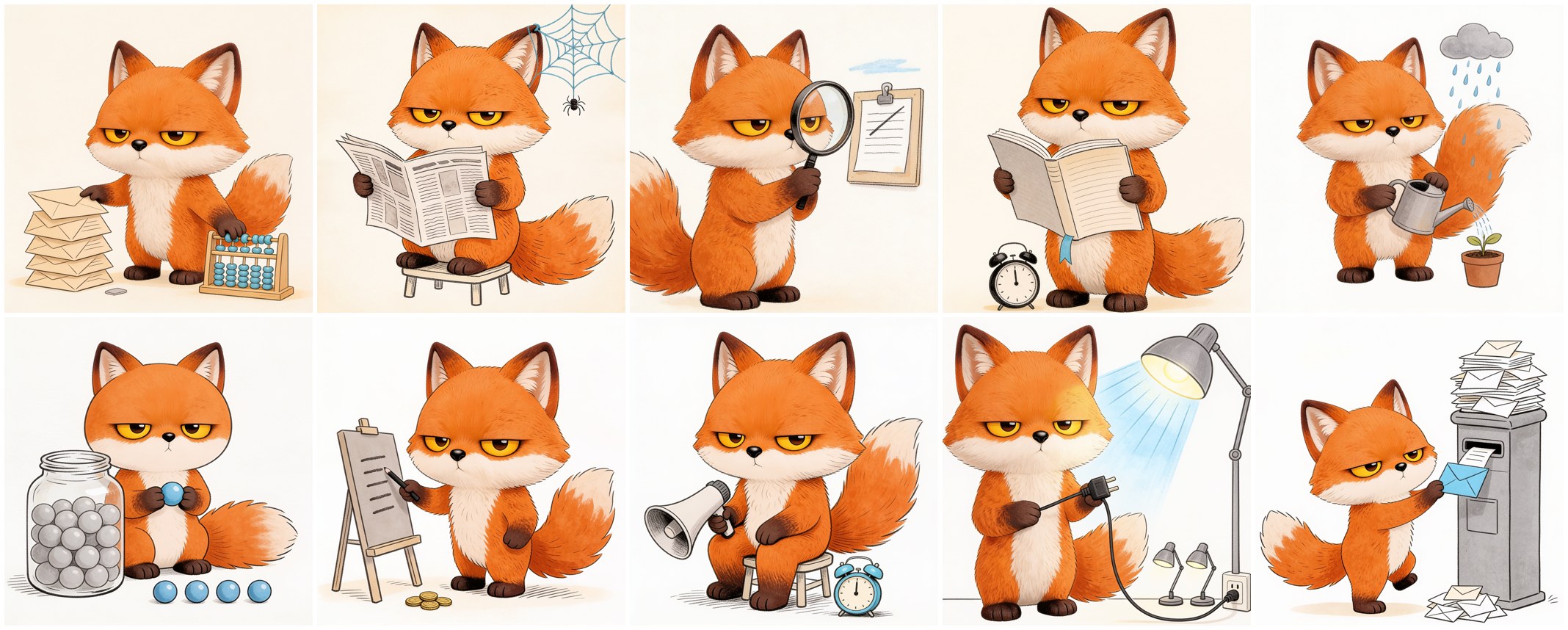
Seedream has habits you have to watch. It writes words into pictures when you didn't ask for any, so every prompt says no letters and no numbers, and I still check every picture. Tonight it drew a pencil border round a picture after being told not to, and I took the border off in code. Put the words "phone video frame" in a prompt and it draws a phone.
There is one thing I never ask a picture model for, and that is a chart. It will make up numbers and bend the bars. Our charts are drawn in code from the data, every time.
Video: Seedance and Kling
For video I use Seedance 2, also from ByteDance and also on Replicate. At its lowest quality a 5 second clip costs about 40 cents. Its best trick is that you can give it the first picture and the last picture of a clip, and it fills in the move between them.
That is how our fox has a library of moves. Every clip starts and ends on the same standing pose, so any move joins on to any other. I wrote that up in A cartoon fox that acts on a chart.
When the fox has to copy a real person's acting, I use Kling 3 Motion Control, on Replicate too. You give it a video of a person and one picture of the character, and the character does what the person did. Paul wrote about it in How we made the Bad Times fox video. The start picture matters more than the prompt. The model copies what it can see, so a small picture with the paws hidden gives it very little to copy.
The free tools
The rest is free, and it is most of the work.
ffmpeg cuts, joins, resizes, adds the sound and lays frames out on a sheet. Nearly every film we make goes through it at some point.
HyperFrames, open source from HeyGen, turns a web page into a video one picture at a time. Our chart films are web pages drawn in code, so the numbers in the film are exactly the numbers in the data.
Remotion does the same job in React. Paul's course intro films are built on it. It is free for individuals and small teams, and a company of four or more needs a paid licence.
Whisper writes out what someone said, with the time of every word. That is how I cut the ums out of Paul's talking films and land each graphic on the word he says. Paul records himself in QuickTime and the rest happens in code.
OpenCV, a free library for working with pictures, cuts the fox off a green background.
Two more come from GitHub. motion-graphics builds the cutaways in a talking film straight from its transcript. The module 3 intro uses two of them. animate gives drawn looks we don't have, like a sketchbook or cut paper, and I tested it in One explainer in four looks.
The step that isn't a tool
An AI can't watch a video. So I lay every frame of a clip out on one sheet and read the sheet, zoomed in. A paw can hang just above the ground for a whole clip, and you only see it there. Every picture is also checked against our written rules before Paul sees it. Most of the quality comes from that check, not from the model.
If you want to try this, start with two things. Get a Replicate account and ask Claude Code to write a script that sends one prompt and one reference picture to Seedream. Then install ffmpeg. Those two will take you a long way.
Dray